
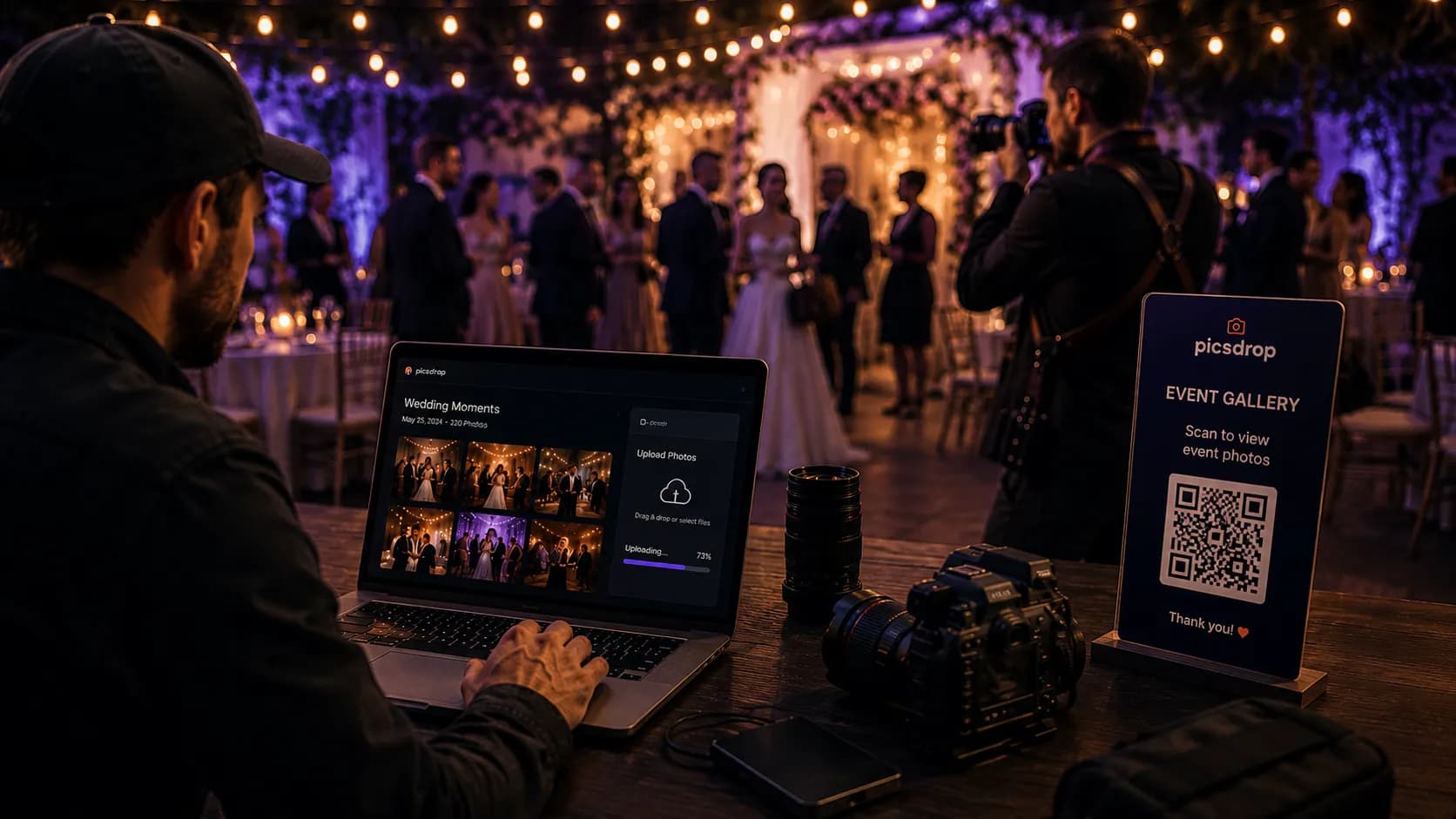
Imagine every guest at your event walking away with their own photos instantly, without waiting days for a download link. That's exactly what a QR code photo sharing station makes possible. This guide shows you how to set one up from scratch using PicsDrop.
Whether you're shooting a corporate conference, a private birthday, or a dream wedding, one pain point stays the same: getting photos to guests quickly. Emailing zip files, fumbling with Google Drive folders, or waiting for USB deliveries these old methods frustrate clients and guests alike.
Enter the QR code photo sharing station: a frictionless, modern system where guests simply scan a code and instantly find their own photos powered by AI face recognition. In this post, we'll walk you through everything you need to know to set one up at your next event using PicsDrop, India's leading instant photo delivery platform for event photographers.
What Is a QR Code Photo Sharing Station?
A QR code photo sharing station is a physical or digital touchpoint placed at an event where guests can scan a printed (or displayed) QR code to access an online gallery. With a platform like PicsDrop, that gallery isn't just a random dump of images it's personalized. Thanks to AI face recognition, guests are shown only the photos they appear in.
The result? No scrolling through hundreds of unfamiliar faces. Guests get an instant, curated album of themselves ready to download and share.
Why this matters for SEO and business: "QR code photo sharing event" is one of the fastest growing search terms among event planners, with over 600 searches/month and growing and PicsDrop is purpose built for exactly this use case.
Why Traditional Photo Delivery Methods Fall Short
| Old Methods | PicsDrop QR Method |
|---|---|
|
|
|
|
|
|
|
|
|
|
Step by Step: Setting Up Your QR Code Photo Sharing Station
Here's the complete process, from the moment you arrive at a venue to the moment guests walk away with their photos.
- Create a PicsDrop Event Gallery. Sign up at picsdrop.in and create a new event. Name it, set access permissions, and toggle on AI face recognition.
- Upload Photos in Real Time. As you shoot throughout the event, upload batches directly from your phone or laptop. PicsDrop processes and indexes faces automatically.
- Generate Your QR Code. PicsDrop auto generates a unique QR code linked to your gallery. Download it in high resolution for print or digital display.
- Set Up the Sharing Station. Print the QR code on a table tent, foam board, or digital frame. Place it at high traffic spots entrances, gift tables, photo booths, or bars.
- Guests Scan & Get Their Photos. Guests scan the code, take a quick selfie, and PicsDrop's AI instantly matches and delivers all their photos. No app, no friction.
- Share & Download Instantly. Guests can download full resolution photos directly to their phone or share straight to Instagram, WhatsApp, and more.
Ready to set up your first QR sharing station?
PicsDrop makes instant event photo delivery effortless for photographers. Free to get started.
Where to Place Your QR Code Station for Maximum Engagement
Placement is everything. You want the QR code in a spot guests naturally pause not hidden in a corner. Here are the highest performing locations based on real event data:
- Main entrance / welcome table: Capture guests at the first opportunity. Pair with a "Find your photos here" sign.
- Photo booth backdrop: After posing, guests are already in a photo mindset. The scan to download flow feels natural.
- Bar or refreshment station: Guests linger here, giving them time to scan and browse their photos.
- Sweetheart table / head table (weddings): Capture the couple's attention and guarantee they show it to everyone nearby.
- Gift / favor table: When guests pick up their favor, they're already engaging with the event experience.
Pro tip: Place 3–4 QR codes around a large venue. Use the same PicsDrop gallery link for all of them more touchpoints, more scans, more happy guests.
Designing a QR Code Sharing Card That Gets Scanned
The design of your QR sharing card directly impacts how many guests actually use it. A generic printed code won't cut it. Here's what makes guests scan:
- Clear call to action: "Scan to find YOUR photos" beats generic "View gallery" language.
- Event branding: Match fonts, colors, and style to the wedding or event aesthetic. PicsDrop galleries support custom branding.
- Photographer logo: Include your studio name and website this is free marketing at scale.
- Face selfie instruction: A small illustration showing "scan → selfie → your photos" removes all hesitation.
- Large QR code: Minimum 4cm × 4cm for print. Anything smaller risks scan failures in low light.
How PicsDrop's AI Face Recognition Makes This Magical
The real superpower behind a PicsDrop QR sharing station isn't just the QR code it's what happens after the scan. When a guest opens the gallery link and takes a selfie, PicsDrop's AI face recognition engine scans your entire uploaded gallery and surfaces only the photos that guest appears in. This happens in seconds.
This is the feature that turns a simple photo gallery into a memorable experience. Instead of handing someone a link to 800 photos and saying "good luck finding yourself," PicsDrop hands them a curated album of their own moments.
How it works: PicsDrop uses facial landmark mapping and embedding comparison to match guest selfies against all photos in your gallery even in group shots, dim lighting, and side profiles. Privacy is maintained: face data is only used for matching and never sold or shared.
QR Code Photo Sharing for Weddings: A Special Use Case
Weddings are the #1 use case for QR photo sharing stations, and for good reason. With 100–500 guests and 1,500+ photos, sharing wedding photos has always been a logistical nightmare. PicsDrop changes everything.
- Guests get their own photos during the reception no waiting weeks for the "complete gallery"
- Wedding couples can share the QR code in their invites, welcome cards, or table numbers
- Photographers eliminate the tedious process of manually culling and delivering guest specific photos
- A branded PicsDrop gallery serves as a digital keepsake for every guest, not just the couple
If you're a wedding photographer looking to offer something no competitor does, a QR code photo sharing station powered by PicsDrop is your differentiator. Couples will remember and recommend the photographer who gave their guests this experience.
QR Code Photo Sharing for Corporate Events & Conferences
Corporate events have different needs: privacy, speed, and professionalism. PicsDrop delivers on all three. Whether it's a 50 person internal offsite or a 2,000 person industry conference, the setup is identical. Attendees scan, selfie, and download their photos all within a private, password protected gallery.
For conference organizers, this also creates measurable engagement: track how many guests scanned, which sessions got the most photo downloads, and use gallery interaction data as part of your event report.
Frequently Asked Questions
Do guests need to download an app to use the QR sharing station?
No. PicsDrop works entirely through a mobile browser. Guests scan the QR code, the gallery opens in Safari or Chrome, and they take a selfie to find their photos no app install needed.
How fast does AI face recognition work on PicsDrop?
Face matching typically completes in under 10 seconds, even for galleries with thousands of photos. Processing speed depends on gallery size, but results are near instant for most events.
Can I brand my PicsDrop gallery with my photography studio logo?
Yes. PicsDrop supports custom branding on galleries, including your logo, studio name, and a custom thank you message. Every guest who views the gallery sees your brand.
Is the QR code photo gallery private?
PicsDrop galleries can be set to private with password protection, or open for public access with just the QR link. For corporate and high end events, private galleries are recommended.
How many photos can I upload to a PicsDrop event gallery?
PicsDrop is built to handle large events. You can upload thousands of full resolution photos per event, with AI processing applied to all of them automatically.