
The Problem With How Event Photos Get Shared Right Now
Face recognition photo sharing is solving one of the most frustrating experiences in the events industry: the fact that thousands of photos get taken at weddings, corporate conferences, and private parties, and most of the people who appear in them never actually see those photos. The photographer sends a link. The host shares it in a WhatsApp group. A few people download something. The rest of the photos just sit there.
The traditional model puts the burden of distribution on the wrong person. Either the photographer manually sorts images by attendee and sends individual links, which takes hours, or guests scroll through thousands of photos hoping to spot themselves, which most people give up on after a few minutes. Neither experience is good for the guest or the photographer's reputation.
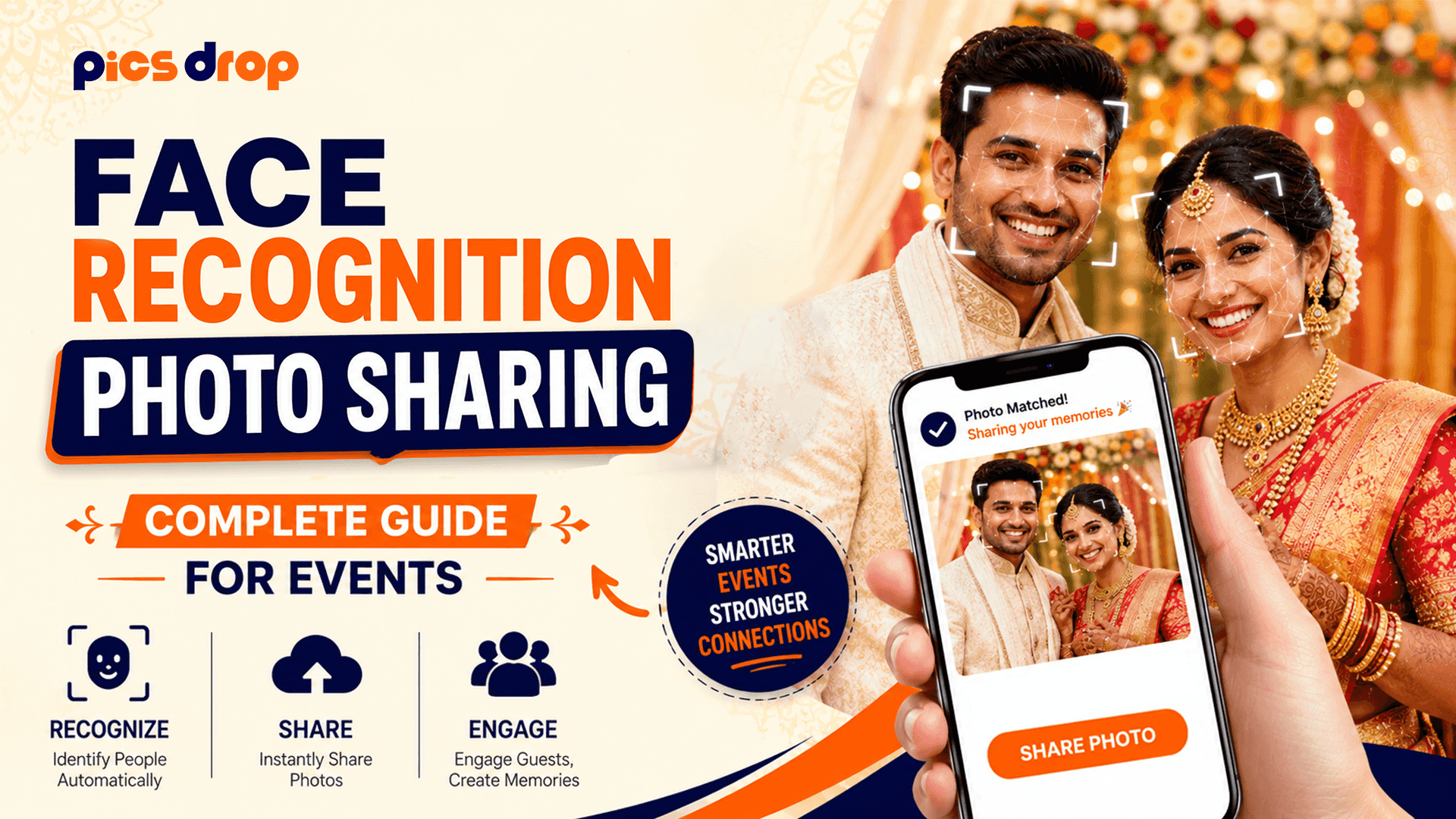
Face recognition photo sharing flips this entirely. Guests find their own photos in seconds by taking a selfie. The technology does the sorting automatically. And by the time the wedding reception ends, hundreds of guests already have their photos on their phones and are sharing them on Instagram with the photographer's watermark still attached.
What is Face Recognition Photo Sharing?
Face recognition photo sharing is a cloud-based delivery method that uses artificial intelligence to automatically identify individuals in event photos and match those images to each guest's selfie, giving every attendee instant access to a personalized gallery of only the photos they appear in.
How the Technology Works
The underlying system is more straightforward than it sounds. It does not store personal IDs or build long-term profiles. It works by creating temporary mathematical maps of faces and using those maps to find matches within a closed event gallery. Here is how it processes images from upload to delivery:
Step 1: The Photographer Uploads the Event Gallery
After shooting the event, or during breaks if live delivery is the goal, the photographer uploads JPEG files to the platform. As each image is uploaded, the system scans it for human faces and extracts a unique vector embedding for every face found. A vector embedding is essentially a sequence of numbers that captures the geometric relationships between facial features, including the distance between the eyes, the width of the nose bridge, the depth of the eye sockets, and the curvature of the jawline.
Step 2: A Guest Scans the Event QR Code
At the venue, a QR code is displayed on table signs, welcome boards, or screens. When a guest scans it with their phone camera, a web page opens in their default mobile browser. No app installation required, no account creation, no form to fill out.
Step 3: The Guest Takes a Selfie
The guest takes or uploads a quick selfie from within the web page. The system creates a vector embedding from that selfie and compares it against the gallery's indexed face vectors using cosine similarity calculations. Photos where the similarity score crosses the match threshold are assembled into a private gallery for that guest.
Step 4: Personalized Gallery Delivered in Seconds
The guest sees their matching photos in under 10 seconds in most cases. They can download individual images or the full set and share them directly from the browser to social media. The photographer's watermark and branding remain on each image.
What Types of Events Benefit Most From Face Recognition Photo Sharing?
This delivery method works well at any event where a large number of people are photographed and where guests have no simple way to identify their own photos in the full gallery. The most common use cases include:
- Weddings: Hundreds of guests attend, most of them appear in dozens of candid shots, and the couple cannot practically distribute personalized albums to everyone. Face recognition lets every guest self-serve their own photos from the photographer's full wedding gallery.
- Corporate Events and Conferences: Employees and clients photographed at company events, team offsites, or annual conferences can retrieve professional headshots and candid networking photos instantly without HR having to manage a distribution spreadsheet.
- School Events and Graduations: Families looking for photos of a specific student across hundreds of ceremony and classroom shots can find them in seconds instead of scrolling through a 2,000-image Dropbox folder.
- Sports Events and Marathons: Runners photographed at finish lines, checkpoints, or team photos can receive their matching images from a race photographer instantly at the event itself.
- Private Parties and Milestone Celebrations: Birthday parties, anniversary dinners, and reunion events where a photographer is hired can all distribute photos to every guest in the same automated way.
How PicsDrop Handles Face Recognition Photo Sharing
PicsDrop is built specifically for this type of event photo delivery. The platform gives photographers a dashboard to create events, upload photos, and generate a custom QR code for each event. Guests scan the code at the venue, take a selfie, and receive their personal gallery in seconds.
The platform is designed to be frictionless on the guest side. Everything runs in the mobile web browser, so there is no app download barrier. The photographer's branding stays on every image download. And PicsDrop also includes a booking inquiry form on the gallery page, which means every guest who views their photos is also seeing an opportunity to hire the photographer for their own upcoming event.
Privacy and Data Protection in Face Recognition Systems
Using facial data raises legitimate privacy questions, and photographers using this technology should understand how responsible platforms handle it. Here is what to look for:
- No Permanent Biometric Storage: Guest selfies should be used only to generate a search vector at the moment of matching. The actual selfie image and the vector derived from it should not be stored permanently on the platform's servers.
- Event-Scoped Databases: Each event's facial index should exist in complete isolation. The face data from a wedding should not be used to match photos at a conference two months later.
- Automatic Data Deletion: When an event gallery is archived or deleted by the photographer, all associated facial mapping data should be deleted at the same time.
- Guest-Only Gallery Access: Each guest's matched gallery should be private and only accessible to that guest. No attendee should be able to browse photos matched to other attendees.
These principles align with the standards set by the General Data Protection Regulation (GDPR) in Europe and the California Consumer Privacy Act (CCPA) in the US. If you are a photographer operating in any jurisdiction with biometric data laws, choosing a platform that follows these principles matters.
Setting Up Face Recognition Photo Sharing at Your Event
If you are a photographer looking to offer this at your next event, here is a practical checklist to get the delivery flow running smoothly:
- Create the event in your delivery platform before the shoot. Set up the event profile in PicsDrop at least a day before the event so the QR code is ready to print.
- Print the QR code on physical signage. Table cards, welcome boards near the entrance, and displays at the bar or photo booth all work well. The more visible the code, the higher the guest participation rate.
- Upload in batches during natural breaks. Dinner service, ceremony transitions, and cocktail hours are all good windows to sync a batch of JPEGs from a laptop connected to the venue's Wi-Fi or a mobile hotspot.
- Communicate the QR code to guests verbally. A quick announcement from the MC or DJ at the reception that guests can scan the QR code to see photos of themselves dramatically increases participation.
- Let the platform handle the rest. Once photos are uploaded and guests are scanning, the matching and delivery runs automatically. You focus on shooting the rest of the event.
Key Takeaways
- Face recognition photo sharing lets every guest at an event find and download their personal photos in seconds without the photographer manually sorting anything.
- The technology works by creating temporary mathematical vector maps of faces rather than storing biometric identities permanently.
- It works best at large events: weddings, conferences, graduations, sports events, and private parties with 50 or more guests.
- Guest participation rates are highest when there is no app download required and the QR code is visible and announced at the venue.
- Privacy-first platforms delete facial data when the event gallery is archived, keeping both photographers and guests compliant with data protection standards.
Face Recognition Photo Sharing Is Now the Standard for Event Delivery
Photographers who have switched to AI-powered delivery report that the volume of post-event photo request emails drops to nearly zero. Guests share their photos on social media the same night as the event, which gives the photographer organic exposure at the exact moment people are posting about the occasion. And because every guest download runs through a branded page on PicsDrop, each photo shared becomes a quiet advertisement for the photographer who took it.
Conclusion
Face recognition photo sharing makes event photos easy to access by instantly matching and delivering images to guests. It saves time for photographers, improves the guest experience, and helps generate more engagement, referrals, and leads. With simple setup and fast results, it has become a valuable tool for modern photographers and event organizers.
Frequently Asked Questions
1. What is face recognition photo sharing?
It is a system where guests take a selfie at an event and the AI automatically finds and delivers every photo they appear in from the full event gallery.
2. Is face recognition photo sharing safe for guests?
Yes. Selfies are processed temporarily to generate a match and then deleted. No permanent biometric profile is ever stored.
3. Do guests need to download an app to use face recognition photo sharing?
No. With PicsDrop, guests just scan a QR code and everything opens in their phone browser. No app install needed.
4. How accurate is face recognition at large events with hundreds of guests?
Above 95% accuracy under normal event lighting. It may drop slightly in very dark or heavily obscured conditions.
5. How long does it take for guests to receive their photos?
Usually under 10 seconds after taking the selfie. From scanning the QR code to having photos on your phone takes under two minutes.
6. Can face recognition photo sharing work for outdoor events?
Yes, and natural daylight often gives the best match accuracy. Just make sure the QR code sign is laminated or displayed on a screen so it is visible in sunlight.
7. What happens to photos that do not contain any detectable face?
Detail shots, venue photos, and food spreads are still in the full gallery but will not appear in any guest's personal matched gallery since there is no face to match.
8. Can a photographer use face recognition delivery for multiple events at the same time?
Yes. Each event gets its own separate gallery and QR code on PicsDrop. There is no overlap between events.
9. Does face recognition work when there are professional group photos with 20 or more people?
Yes, though accuracy is slightly lower for small faces in the back row. The more photos a guest appears in across the gallery, the more reliable the matching becomes.
10. How does PicsDrop protect photographer copyrights when guests download photos?
All downloaded images carry the photographer's watermark. Full-resolution unwatermarked files can be restricted to the main client only.
11. Can corporate event organizers set up face recognition delivery instead of the photographer?
Usually the photographer manages delivery since they own the files, but some platforms let event organizers share admin access. Discuss this arrangement with the photographer before the event.