
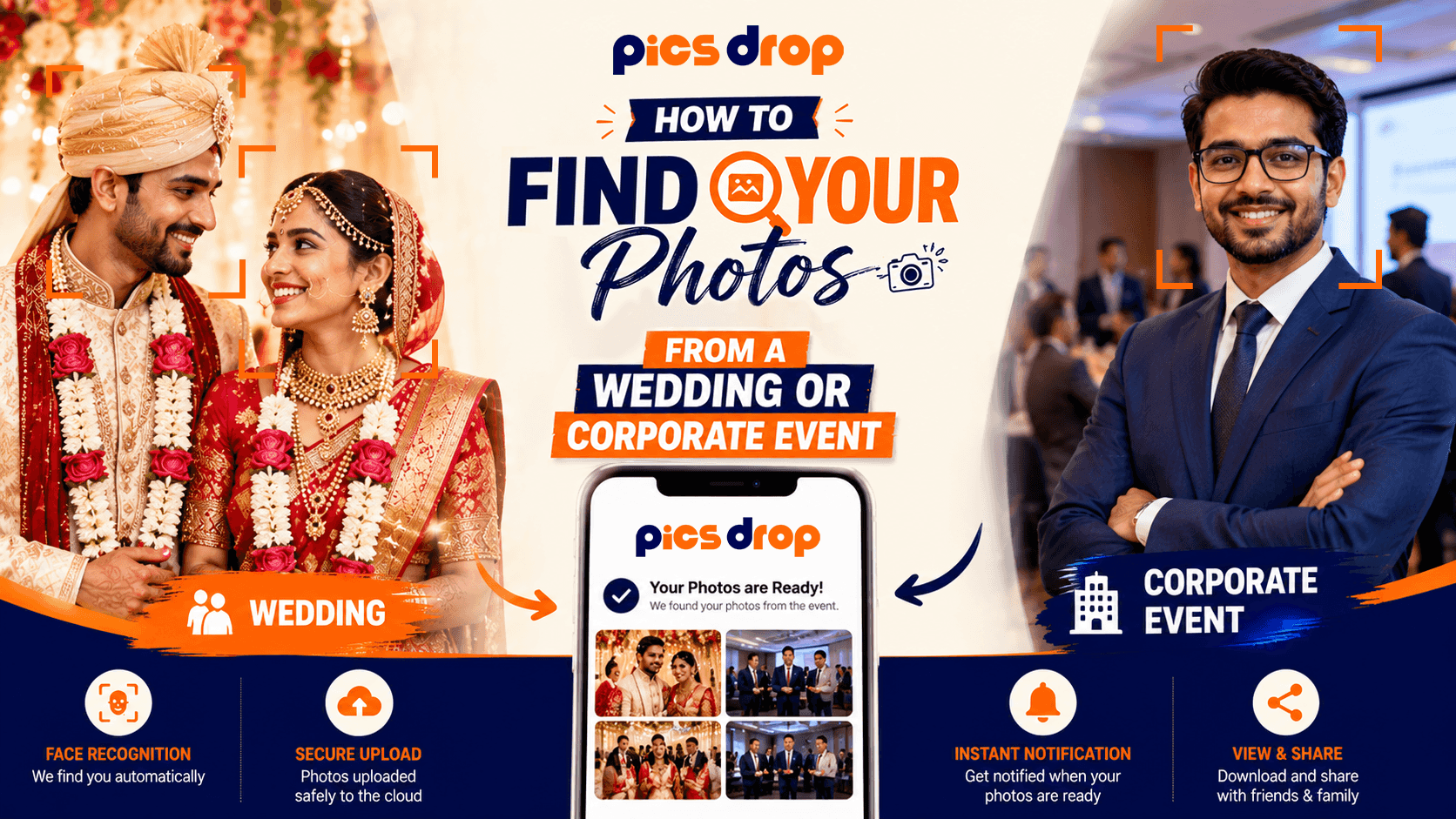
You Were There, But Where Are Your Photos?
If you have ever attended a wedding or a corporate event and tried to track down photos of yourself afterward, you already know how frustrating the process usually is. You ask the couple. They are on their honeymoon. You ask a colleague. They say the event photographer sent the company a Dropbox link. You open it and find 1,800 photos in one folder with no names, no search, and no way to filter for yourself. Knowing how to find your photos from a wedding or corporate event used to mean either waiting weeks or getting lucky scrolling through someone else's download.
That experience is changing fast. AI face recognition has made it possible for guests at events to find every photo they appear in within seconds of the event happening, without asking anyone for help and without scrolling through a single folder.
What Does "Finding Your Event Photos" Actually Mean?
Finding your event photos means locating every image from an event gallery in which you personally appear, and being able to download or share those images without having to sift through the full unfiltered gallery or rely on someone else to send you a specific file.
The Old Way: Why It Never Worked Well
Most people have tried at least one of these approaches after attending an event, and most people have found them unsatisfying:
Waiting for the Host to Send a Link
The most common approach. The event host, couple, or company receives the full gallery from the photographer, then shares a link with everyone who attended. The problem is timing. Wedding galleries typically take four to eight weeks to deliver. By the time the link arrives, the excitement of the event has faded and most people have already moved on.
Scrolling Through a Shared Folder
Even when a link is shared, guests are usually dropped into a folder of hundreds or thousands of unorganized images. Finding yourself in 1,500 wedding photos by scrolling manually takes a long time, and the photos are usually named by file number rather than by person, so there is no sensible way to search.
Asking Relatives or Friends
Asking around works occasionally if someone stood near you with their phone camera all evening. But professional event photos, which are the ones worth having, are usually behind a link that only the host has, which means going through an intermediary for every single photo you want.
Tagging Yourself on the Venue or Photographer's Social Media
Some photographers post event highlights on Instagram or Facebook. Being tagged or finding yourself in a feed post is possible, but you have no control over which photos get posted, and the full resolution files are never distributed through social media anyway.
The New Way: How AI Face Recognition Changes the Process
Photographers who use AI-powered delivery platforms like PicsDrop have fundamentally changed how guests find their event photos. Instead of waiting for a link and then scrolling through thousands of images, the guest takes a selfie and the system finds every matching photo automatically.
Here is exactly how the process works from a guest's perspective:
Step 1: Look for the Event QR Code at the Venue
At events where AI photo delivery has been set up, you will see a QR code somewhere visible at the venue. This might be on a table card at your seat, on a sign near the entrance or bar, on a display screen near the photo booth, or in a message from the host in the event program or group chat. Scan it with your phone's camera app.
Step 2: Open the Event Photo Page in Your Browser
Scanning the QR code opens a web page in your mobile browser. You do not need to download anything. You do not need to create an account or enter a password. The page loads directly and asks you to take or upload a selfie.
Step 3: Take a Quick Selfie
Take a clear selfie in decent lighting. The AI system analyzes your facial structure and creates a temporary mathematical map of your face. This map is used only to search the event photo library. It is not saved permanently or linked to any personal identity.
Step 4: Your Personal Gallery Loads Automatically
Within a few seconds, the platform returns a gallery of every event photo in which your face was matched. You can scroll through, select the ones you want, and download or share them directly from the browser. The full-resolution files are available for download, and each image carries the photographer's watermark.
What if There Is No QR Code at the Event?
If no QR code was displayed at the event, the photographer may not have used an AI delivery platform. In that case, here are the most practical steps to try:
- Ask the event host directly. The couple at a wedding or the event manager at a corporate function will have the photographer's contact information. Email them and ask whether a guest download link is available or when it will be sent.
- Check the photographer's website or Instagram. Many event photographers post a few highlights publicly and include a gallery access link in their bio or event-specific posts.
- Look for a shared group or album from the host. WhatsApp groups, Google Photos shared albums, or Facebook event pages are common channels hosts use to distribute event photos informally.
- Search by the event hashtag on Instagram. If the event had an official hashtag, tagged posts from guests and photographers may surface photos you appear in, even if they are not the professional shots.
How to Get Your Photos Faster at Future Events
If you are attending an event in the future, you can be proactive about finding your photos. Here is what actually helps:
- Ask the host before the event whether the photographer is using a face recognition delivery platform, so you know whether to look for a QR code.
- Scan the QR code as soon as you arrive, not as you are leaving. If the photographer is doing live uploads during the event, scanning early means you may already have photos during the reception rather than waiting until after.
- Take the selfie in good lighting. The clearer the selfie, the better the match accuracy. Step away from the dance floor lights if you can for a moment.
- Save the web page link after scanning. Even if you close your browser, the gallery link can still work later as long as the event is still active on the platform.
How Photographers Set This Up
If you are a photographer reading this because your clients have asked about instant photo delivery, here is how the setup works on PicsDrop:
You create an event profile in the PicsDrop dashboard before the shoot. The platform generates a unique QR code for that event. You print it on physical signage or share it with the event host to display digitally. During the event, you upload JPEG batches through the dashboard using Wi-Fi or a mobile hotspot. The platform indexes faces as images upload. Guests scan and self-serve from that point on, without any further involvement from you.
The photographer's logo, watermark, and booking inquiry link appear on every guest's gallery page, turning every photo download into a passive lead generation touchpoint.
Key Takeaways for Event Guests
- If there is a QR code at the event, scan it early. It likely connects to an AI photo delivery system where you can find your photos in seconds.
- Taking a clear selfie in decent lighting gives the matching system the best chance of finding all your photos accurately.
- If no QR code exists, contact the event host directly. The photographer's gallery link is usually distributed through the host, not shared publicly.
- For future events you plan to attend, ask in advance whether the photographer is using a face recognition delivery platform so you know what to expect.
Conclusion
Finding your photos from a wedding or corporate event has always been more complicated than it should be. For most of the history of professional event photography, the guest experience stopped at the door. The photographer handed the couple or the company a folder, and from that point on, individual guests were largely left to fend for themselves: scrolling through hundreds of images, chasing the host for a link, or simply never seeing the professional photos they appeared in.
AI face recognition has genuinely changed this. When a photographer sets up a platform like PicsDrop at an event, every single guest becomes a first-class recipient of the photography rather than an afterthought. Scanning a QR code and taking a selfie takes under a minute. Getting back a personal gallery of every photo you appear in takes another few seconds. That is a guest experience worth talking about, which is exactly why it leads to so many more referrals for the photographers who offer it.
If you are attending an event soon, check for a QR code at the venue. If you are a host or photographer planning one, consider building face recognition delivery into the event from the start. The difference in guest satisfaction between traditional delivery and instant AI-powered delivery is noticeable enough that guests who experience it tend to specifically ask for it at the next event they attend.
Frequently Asked Questions
How to find your photos from a wedding or corporate event?
Look for a QR code at the venue, scan it, take a selfie, and the system shows every photo you appear in within seconds. If no QR code was available, ask the event host for the photographer's gallery link.
How long does it take to receive event photos after a wedding?
Traditional delivery takes four to eight weeks. With AI platforms like PicsDrop, guests get their photos the same day of the event.
What if the AI does not recognize my face in the event photos?
Try retaking your selfie in better lighting. Photos where your face is very far from the camera or out of focus may not match reliably.
Is my selfie stored permanently by the platform?
No. Your selfie is used temporarily to find matching photos and then deleted. No biometric profile is stored.
Can I download full-resolution versions of my event photos?
Yes, if the photographer has enabled full-resolution downloads for that event gallery.
What if I was wearing glasses or a hat in the event photos? Will the AI still find me?
Usually yes. Take your selfie wearing the same glasses or hat so the system has a consistent reference to match against.
Is there a limit to how many events I can access through the same platform?
No. Each event has its own separate QR code and gallery, so you simply scan a new code for each event you attend.
Can I share the event photos I download with friends or family?
Yes. Once downloaded, share them freely via WhatsApp, Instagram, or email. The photographer's watermark will be visible.
What should I do if the QR code at the venue is not working?
Try a different camera app or check your internet connection. If the code is damaged, ask a staff member for a backup link.
Can I request photos from a past event if I did not scan the QR code on the day?
Possibly. Contact the photographer directly and ask if the gallery is still active and if you can submit a late selfie.