
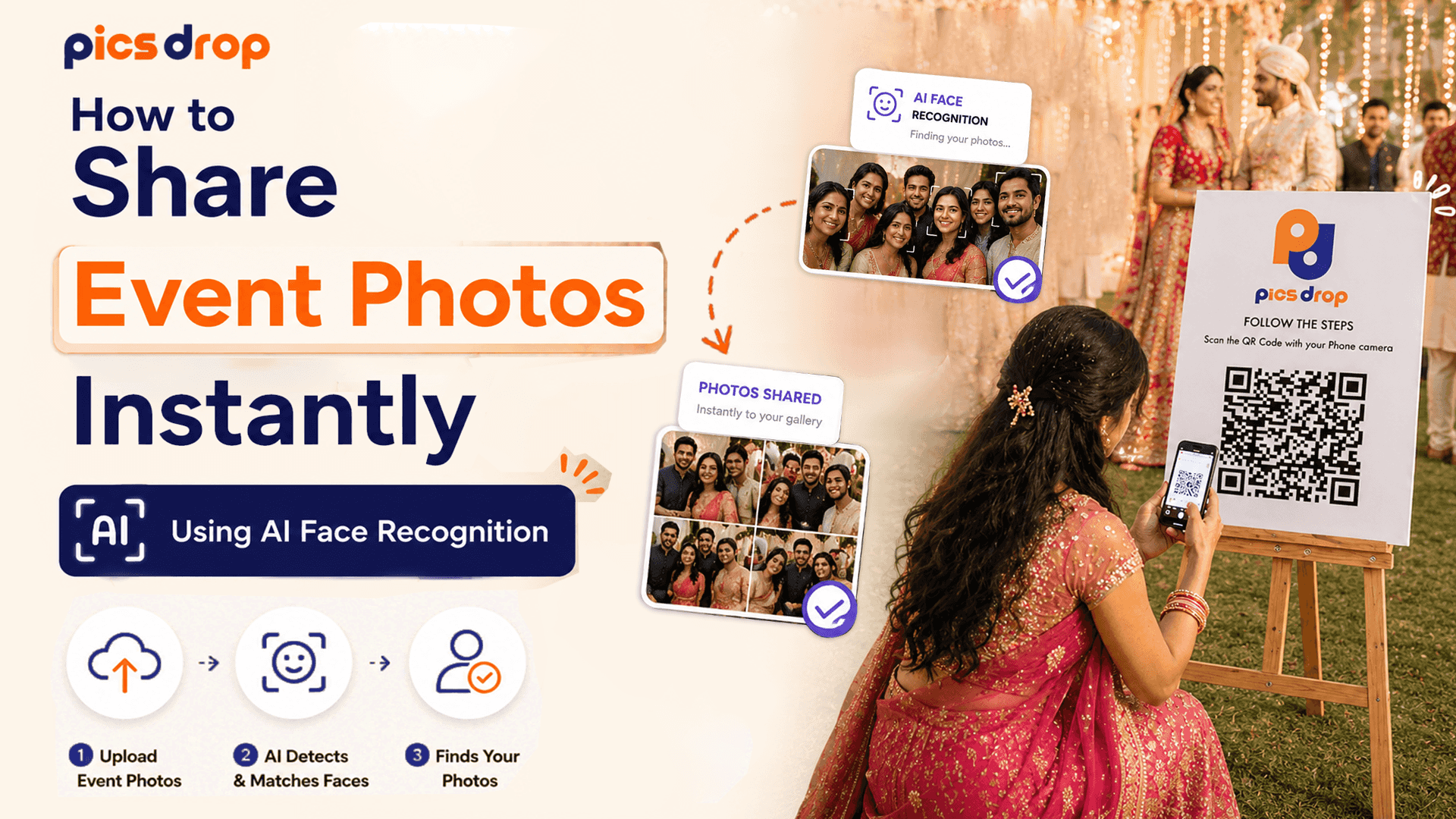
Why Event Photo Delivery Is Broken
Learning to share event photos instantly using AI face recognition is now one of the most practical skills a working event photographer can pick up. At a 500-guest wedding or a corporate gala, you walk away with thousands of photos that the event host will not see for weeks and that most guests may never find at all. You spent 10 hours shooting. You will spend another 15 sorting, culling, and fielding requests for individual images.
According to a 2023 consumer experience report by Qualtrics, satisfaction with post-event digital delivery drops by an average of 18 points for every week of delay. People are used to Instagram Stories, WhatsApp albums, and live photo sharing. Handing them a Dropbox link three weeks after the event does not meet that expectation anymore. Fortunately, computer vision has made it possible to get personalized photo galleries to every guest in real-time, with no manual sorting involved.
What is AI Face Recognition Photo Sharing?
AI face recognition photo sharing is an automated delivery method that uses computer vision algorithms to detect human faces in an image library, extract unique facial landmark vectors, and match guest selfies to filter and serve personalized photo galleries instantly.
How the Facial Indexing Technology Actually Works
The system does not do a simple side-by-side image comparison. It uses a multi-stage machine learning pipeline that processes photos in fractions of a second. A 2024 technical review by the IEEE Signal Processing Society found that modern facial alignment algorithms hit a 99.4% accuracy rate in under 100 milliseconds across diverse real-world conditions. Here is what happens at each stage:
1. Face Detection and Alignment
When you upload JPEGs, a Convolutional Neural Network (CNN) scans each image and locates every face in the frame. It draws a bounding box around each face and corrects for head tilt, angle, or partial side-views, so the matching engine always has a normalized frontal view to work with.
2. Facial Landmark Mapping
The algorithm then maps 68 key coordinate points on each face. These include the gap between the pupils, the width of the nose bridge, the curvature of the jawline, the height of the cheekbones, and the shape of the lips. Together, these points create a detailed mathematical map of that person's face.
3. Vector Representation
That facial map is converted into a 128-dimensional vector embedding, which is essentially a long sequence of numbers that uniquely represents that face. This vector gets stored in a fast searchable database and linked to the image file it came from.
4. Cosine Similarity Matching
When a guest scans the event QR code and uploads a selfie, the engine converts their selfie into the same type of 128-dimensional vector. It runs a similarity comparison against the event database and returns the photos where the vectors are close enough to be a match. This entire process takes less than 0.5 seconds, and it works reliably even when guests are wearing glasses or smiling differently than they were in the event photos.
Privacy and Biometric Data: What Photographers Need to Know
Using facial data does require some attention to privacy law. To stay compliant with regulations like the California Consumer Privacy Act (CCPA) and the General Data Protection Regulation (GDPR), the platform you use should follow these principles:
- Transient Data Storage: Guest selfies should be processed in memory to generate a search vector and then discarded, not saved to a database.
- Ephemeral Vectors: The facial vector maps tied to an event should be temporary. When the event gallery is archived or deleted, all associated vectors should be destroyed along with it.
- No Cross-Event Profiling: The system should not reuse a face map from one event to match photos at a future event. Every event database should be completely isolated.
- Private Matching Galleries: Each guest should only be able to see photos where they matched. No guest should be able to browse other attendees' private galleries.
How to Share Event Photos Instantly Using AI Face Recognition
Switching to an AI-based delivery workflow does not require new camera equipment or any changes to how you shoot. Here is how the setup works with PicsDrop:
Step 1: Set Up the Event Dashboard on PicsDrop
Log into your PicsDrop account and create a new event. The platform generates a unique event page and a QR code tied to it. Print that QR code on physical table cards, display it on a welcome sign, or show it on the DJ's screen at the venue. That is all the venue setup you need.
Step 2: Upload Images During or After the Event
Connect a laptop or your phone to the venue's Wi-Fi or a mobile hotspot and start uploading JPEG batches during dinner breaks. You can also sync cards directly after the event ends if live uploading is not practical. As each image goes up, the backend engine builds the facial index automatically.
Step 3: Guests Find Their Photos Themselves
Guests scan the QR code with their phone camera, which opens a web page in their default browser. No app download, no account creation. They take a quick selfie, and PicsDrop's AI selfie photo finder returns every matching photo from the event in seconds. They can share directly to Instagram with your business watermark already applied.
What This Changes for Your Workflow
- Saves hours of admin time: AI matching eliminates the back-and-forth of manually fulfilling individual photo requests after every event.
- Captures guest excitement at its peak: Instant delivery lets guests share photos while the event memories are still fresh, which means more organic social media coverage for both you and your client.
- Keeps your data handling clean: Temporary, event-scoped facial data means you are not carrying a growing biometric database that creates legal exposure.
- Works without app installs: Running everything in the mobile browser is the single biggest driver of guest participation rates at physical events.
Getting Started Is Simpler Than It Sounds
AI-powered face recognition is changing how event photographers deliver their work, and honestly, the learning curve is minimal. You create an event, print a QR code, and upload your images. Everything after that is automatic. PicsDrop takes care of the matching and delivery, so you can focus on editing the final album rather than answering photo requests for the next three weeks.
Frequently Asked Questions
How to share event photos instantly using AI face recognition?
Upload your event images to an AI-powered delivery platform like PicsDrop. Display the event's QR code at the venue. Guests scan it, take a selfie, and the matching system delivers their personal gallery in seconds without any manual sorting on your end.
Will the AI recognize faces in low-light reception venues?
Yes, in most cases. The CNN detection models are trained across diverse lighting profiles and normalize for exposure variations. Even in dim reception lighting with color casts from LEDs or candles, the system typically maintains over 95% match accuracy as long as the face is reasonably in focus in the event photo.
Is facial recognition data stored permanently?
No. PicsDrop handles biometrics as temporary session data. Guest selfies are used to generate a search vector and then discarded immediately. The facial vectors tied to the event gallery are destroyed when the gallery is archived or deleted, so no long-term biometric data is retained.
What happens if a guest is wearing sunglasses or a mask?
If key facial points like the eyes or mouth are obstructed, the confidence score for a match may be lower. That said, the algorithm still has access to other landmarks including jawline shape, nose structure, and forehead proportions. Guests wearing sunglasses can usually still be matched, especially if they upload a selfie with the sunglasses on so the model has a consistent reference point.