
Why Event Photo Delivery Is Broken
Learning to share event photos instantly using AI face recognition is now one of the most practical skills a working event photographer can pick up. At a 500-guest wedding or a corporate gala, you walk away with thousands of photos that the event host will not see for weeks and that most guests may never find at all. You spent 10 hours shooting and may spend another 15 sorting, culling, and fielding requests for individual images.
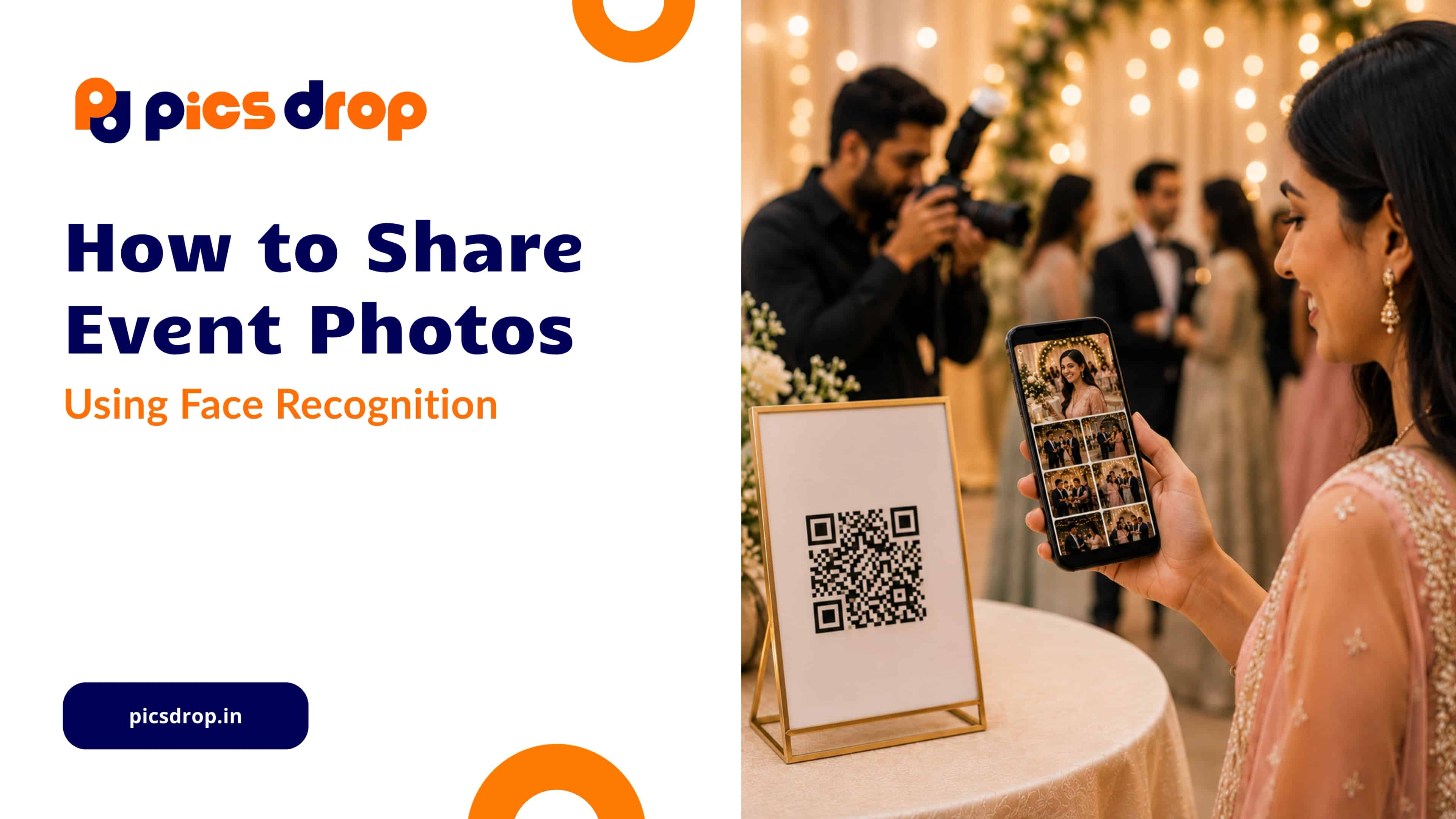
People are used to Instagram Stories, WhatsApp albums, and live photo sharing. Handing them a Dropbox link three weeks after the event no longer meets expectations. The solution is an AI face recognition gallery that enables true instant photo delivery for events: guests scan a QR code, take a selfie, and receive their photos in seconds without any manual sorting from the photographer.
What is AI Face Recognition Photo Sharing?
AI face recognition photo sharing is an automated delivery method that uses computer vision algorithms to detect human faces in an image library, extract unique facial landmark vectors, and match guest selfies to personalized photo galleries instantly.
For photographers, this means no more manually searching through thousands of images to fulfill guest requests. Instead, guests can find their own photos in seconds through an AI-powered event gallery.
How the Facial Indexing Technology Actually Works
The system does not perform a simple side-by-side image comparison. Instead, it uses a multi-stage machine learning pipeline that processes photos in fractions of a second.
1. Face Detection and Alignment
When you upload photos, a Convolutional Neural Network (CNN) scans each image and locates every face in the frame. It creates a normalized facial view by correcting head tilt, viewing angle, and other variations, ensuring accurate matching.
2. Facial Landmark Mapping
The algorithm maps facial features such as eye position, nose structure, jawline shape, and cheekbone placement. Together, these points create a unique mathematical representation of each face.
3. Vector Representation
The facial map is converted into a vector embedding, which is a sequence of numbers representing that face. These vectors are stored and linked to the corresponding event photos.
4. Similarity Matching
When a guest scans the event QR code and uploads a selfie, the system converts that selfie into a similar vector representation and compares it against the event database. Matching photos are returned within seconds, even when facial expressions vary.
Privacy and Biometric Data: What Photographers Need to Know
Using facial data responsibly is important. A secure event photo sharing platform should follow these best practices:
- Temporary Selfie Processing: Guest selfies should be used only for matching and then discarded.
- Event-Specific Data: Facial vectors should exist only within the event gallery.
- No Cross-Event Tracking: Facial data should never be reused between different events.
- Private Photo Access: Guests should only see photos in which they appear.
- Secure Storage: Photos and matching processes should be protected with modern security measures.
How to Share Event Photos Instantly Using AI Face Recognition
Switching to an AI face recognition gallery workflow does not require new equipment or major workflow changes. Here is how it works with PicsDrop.
Step 1: Create an Event on PicsDrop
Log into your PicsDrop account and create a new event. The platform automatically generates a unique event page and QR code.
Display the QR code at the venue on welcome boards, registration desks, table cards, LED screens, or stage displays. Guests can easily access the gallery by scanning it.
Step 2: Upload Event Photos
Upload photos during or after the event using your laptop, tablet, or smartphone. As images are uploaded, the system automatically scans faces and creates a searchable facial index.
There is no need for manual tagging, sorting, or album organization.
Step 3: Guests Find Their Photos Instantly
Guests scan the QR code and open the gallery directly in their browser. No app download or account creation is required.
After taking a selfie, PicsDrop's AI face recognition technologyinstantly finds every photo in which they appear and displays a personalized gallery.
Guests can download, share, and post their photos immediately.
Benefits of AI Face Recognition Photo Sharing for Photographers
Save Hours of Manual Work
Traditional event delivery often involves responding to countless WhatsApp messages and email requests. AI face recognition photo sharing eliminates this repetitive work.
Deliver Photos While Excitement Is High
Guests are most excited immediately after an event. Instant access allows them to share memories while the experience is still fresh.
Improve Client Experience
When guests can easily access their photos, event organizers receive fewer complaints and better feedback, helping photographers build a stronger reputation.
Increase Brand Visibility
Every shared photo becomes a marketing opportunity. Fast delivery encourages more social sharing and increases exposure for your photography business.
No App Downloads Required
A browser-based experience removes friction and improves participation rates compared to mobile apps that require installation.
Why Photographers Are Switching to AI-Powered Event Galleries
Modern photographers are expected to deliver faster than ever before. Clients no longer want to wait weeks for access to their event photos.
An AI face recognition gallery allows photographers to offer a premium experience without increasing their workload. Instead of spending hours sorting galleries and responding to requests, photographers can focus on editing, marketing, and growing their business.
This is why instant photo delivery for events is becoming one of the most valuable services photographers can offer.
Getting Started Is Simpler Than It Sounds
AI-powered face recognition is transforming event photo sharing. The process is simple:
- $1
- $1
- $1
- $1
Everything after that happens automatically.
With PicsDrop, photographers can streamline photo delivery, improve guest satisfaction, and eliminate hours of post-event administration.
Frequently Asked Questions
How do I share event photos instantly using AI face recognition?
Upload your photos to PicsDrop, display the event QR code, and let guests scan it. After taking a selfie, the system instantly finds and delivers their photos.
Will AI face recognition work in low-light event venues?
Yes. Modern face recognition systems are designed to handle a wide range of lighting conditions and can accurately match faces in most indoor event environments.
Is facial recognition data stored permanently?
No. PicsDrop uses temporary facial matching data associated only with the event gallery. Once the gallery is deleted or archived, the associated matching data is also removed.
What if guests are wearing sunglasses or masks?
The system can often identify guests using other visible facial features and landmarks. Match accuracy may vary depending on how much of the face is visible.
Do guests need to install an app?
No. Guests can access their photos directly through a browser after scanning the event QR code, making the experience fast and convenient.