
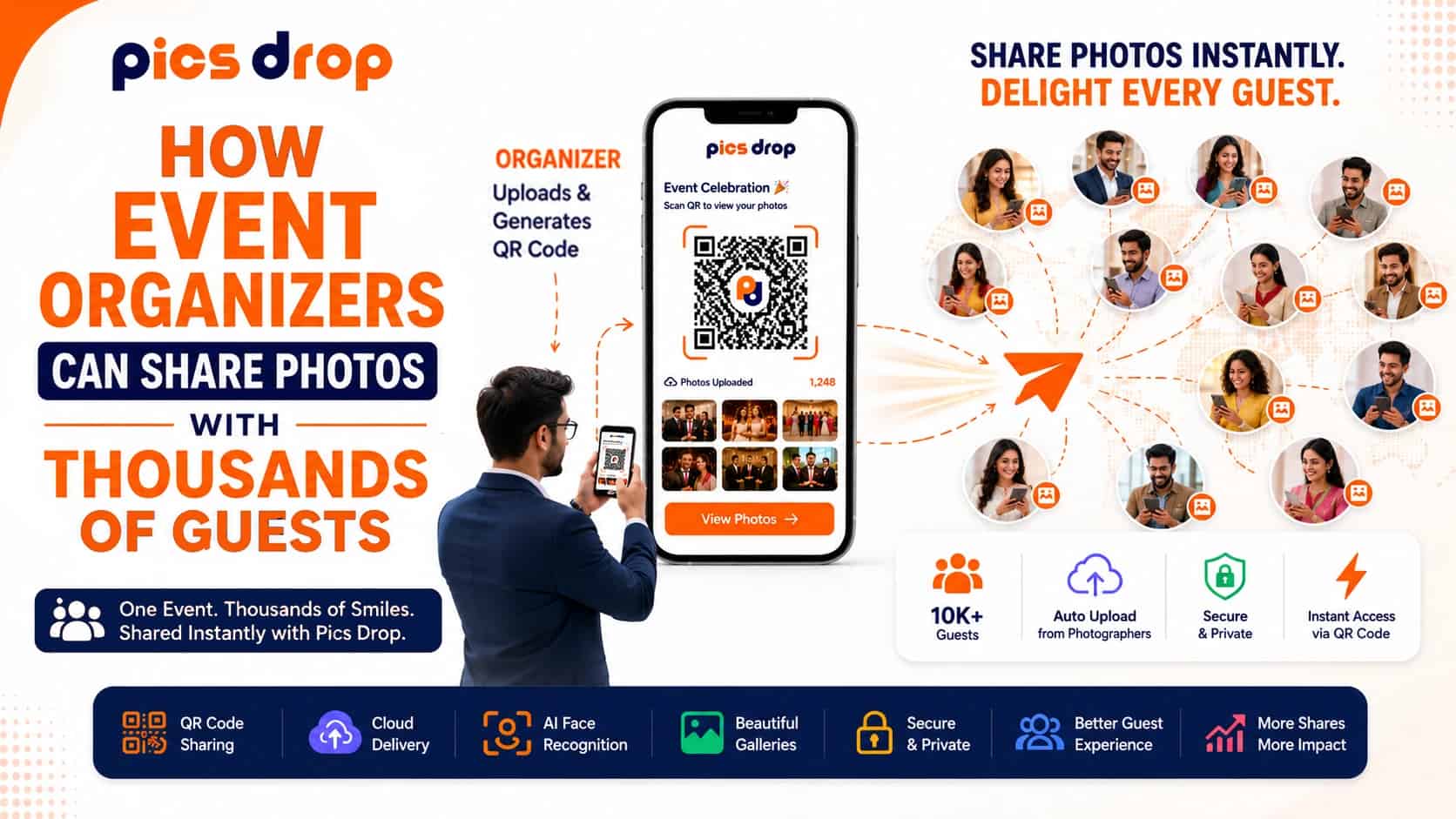
Why Bulk Cloud Links Fail at High-Volume Event Photo Sharing
Delivering photos to 1,500 attendees at a corporate event or charity gala usually results in weeks of administrative headaches and missed social media momentum.
Standard bulk links on Google Drive or Dropbox force guests to scroll through thousands of unorganized thumbnails. Custom event apps drop user engagement by 72% because people refuse to download them.
According to a 2023 consumer experience report by Qualtrics, attendee satisfaction with post-event digital delivery drops by an average of 18 points for every week of delay. When guests have to wait three weeks for a generic link, they lose interest. The opportunity to drive organic social buzz and brand referrals is gone.
Transitioning to a browser-based, AI-powered photo sharing platform allows event organizers to automate distribution, eliminate email inquiries, and convert gallery delivery into a direct lead-generation channel.
What is High-Volume Photo Sharing?
High-volume photo sharing is the systematic distribution of large digital image databases to thousands of individual event attendees, requiring automated sorting and zero-friction access paths to ensure high guest engagement and download rates.
Unlike traditional photography workflows where a single client reviews an entire gallery, event photo sharing at scale requires sorting through thousands of photos to find specific individuals.
Doing this manually for every attendee is practically impossible without automated indexing.
Where Traditional Sharing Methods Break Down: App Store Barriers and Folder Scrolling
Event organizers typically rely on legacy cloud storage or custom app downloads, but both methods suffer from high drop-off rates due to access hurdles.
Shared Cloud Folders and Permission Gates
Sending a single link to a Google Drive folder containing 2,000 images is easy for the photographer, but it frustrates the guest. Attendees must scroll through thousands of unorganized thumbnails on their phones to find their own faces.
Even worse, permission gates and account login prompts create immediate barriers. Organizers get flooded with "Request Access" emails long after the event has ended.
Custom Mobile Apps and Installation Friction
Some organizers integrate photo sharing into custom event apps.
But requiring guests to download an app, verify their email, and create a password just to view a photo is a major hurdle. A 2023 study by mobile analytics firm Flurry found that requiring app installations at physical venues drops user participation by 72%. If access is not instant, guests walk away.
Manual Email Distribution Lists
Attempting to email individual photo links to guests after the event requires matching attendee databases to image files. This method is slow, prone to human error, and delays delivery by weeks, missing the peak window of attendee excitement.
How AI Face Recognition and QR Codes Eliminate Access Friction
To bypass these limitations, modern event organizers use browser-based sharing platforms that combine physical QR codes with convolutional neural networks (CNN) for AI face recognition photo sharing. This approach achieves frictionless photo delivery.
Frictionless photo delivery is a photo distribution methodology that eliminates download, login, and registration requirements, allowing end-users to retrieve personalized media assets directly through native web browsers in under ten seconds.
Guests scan a physical QR code photo sharing display, take a quick selfie, and the AI matching engine searches the database. Within seconds, the attendee receives a private gallery containing only the photos they appear in.
Comparing Photo Sharing Methods for Large Events
The differences in delivery speed, guest experience, and organizational overhead between these methods are substantial:
| Feature | Cloud Folders (Google Drive/Dropbox) | Custom Event Apps | AI & QR Platforms (PicsDrop) |
|---|---|---|---|
| Access Barrier | Medium (Account logins, permission gates) | High (App Store download required) | Zero (Mobile web browser scan) |
| Delivery Time | 1 to 3 days (Post-event upload) | Varies (Depends on manual sorting) | Instant (Real-time AI matching in seconds) |
| Sorting Method | Manual scrolling through thousands of files | Manual search or tag-based sorting | AI face matching filters photos in under 10 seconds |
| Branding & Lead Capture | None | Basic | High |
| Sponsor Integration | None | Limited | Custom overlays and branded download pages |
| Guest Engagement | Low | Low | High |
A Step-by-Step Checklist for Launching Live Event Galleries
Setting up an automated event photo sharing workflow on a platform like PicsDrop requires minimal technical setup:
- Generate the Event QR Code: Create the event profile in the PicsDrop dashboard before the event starts. The system generates a unique QR code and landing page.
- Print and Display QR Signage: Place physical QR code displays at check-in tables, lanyards, bar areas, reception tables, or presentation screens.
- Coordinate with Your Photographers: Ask your photography team to upload JPEG batches during the event. The AI-powered gallery automatically indexes faces as files upload.
- Make Live Announcements: Encourage guests to scan the QR code to instantly access their personalized gallery.
- Set Up Branding & Lead Capture: Customize gallery download pages with sponsor logos, booking links, and lead forms to maximize conversions.
Sponsorship and Lead Capture: Monetizing the Gallery Delivery Screen
For conferences, festivals, trade shows, and charity events, event photo delivery is more than a utility—it is a marketing asset.
Because guests are highly motivated to download and share professional photos of themselves, organizers can use the delivery screen to provide value to sponsors and partners.
Custom Sponsor Watermarks
Add sponsor logos or event branding to every downloaded photo. This ensures organic exposure when attendees post photos on LinkedIn, Instagram, Facebook, or X.
Branded Call-to-Actions (CTAs)
Embed buttons directing attendees to purchase future event tickets, visit sponsor websites, or request consultations.
Lead Capture Forms
Collect attendee details before allowing high-resolution downloads, helping organizers build high-intent marketing lists.
Why PicsDrop is the Better Alternative
PicsDrop combines AI photo sharing, facial recognition, QR code access, branding tools, and lead generation features into one streamlined platform.
Unlike traditional cloud folders, guests do not need to search through thousands of images. Unlike event apps, there are no downloads or registrations required.
With instant photo delivery, attendees can locate and download their event photos within seconds, resulting in higher engagement and a better overall event experience.
Conclusion
Traditional methods of distributing event photos create bottlenecks that frustrate guests and consume valuable administrative time.
Using an AI-powered photo sharing platform like PicsDrop allows event organizers and photographers to deliver personalized galleries instantly, eliminate manual sorting, improve attendee satisfaction, and unlock new sponsorship opportunities.
Whether you're managing a wedding, conference, expo, festival, or corporate gathering, PicsDrop provides a faster, smarter, and more engaging way to share event photos at scale.
Frequently Asked Questions
How can event organizers share photos with thousands of guests?
By using an AI event photo sharing platform like PicsDrop. Guests scan a QR code, upload a selfie, and instantly receive a gallery containing only their photos.
Do guests need to install an app?
No. PicsDrop works directly in a web browser, eliminating app downloads and account creation.
Can organizers add sponsor branding?
Yes. Organizers can add sponsor logos, custom watermarks, banners, and CTAs throughout the gallery experience.
Is facial recognition data secure?
Yes. PicsDrop processes image data for matching purposes and follows privacy-focused practices to protect attendee information.
How quickly do photos become available?
Photos can become available within seconds after upload, enabling real-time event photo delivery during live events.