
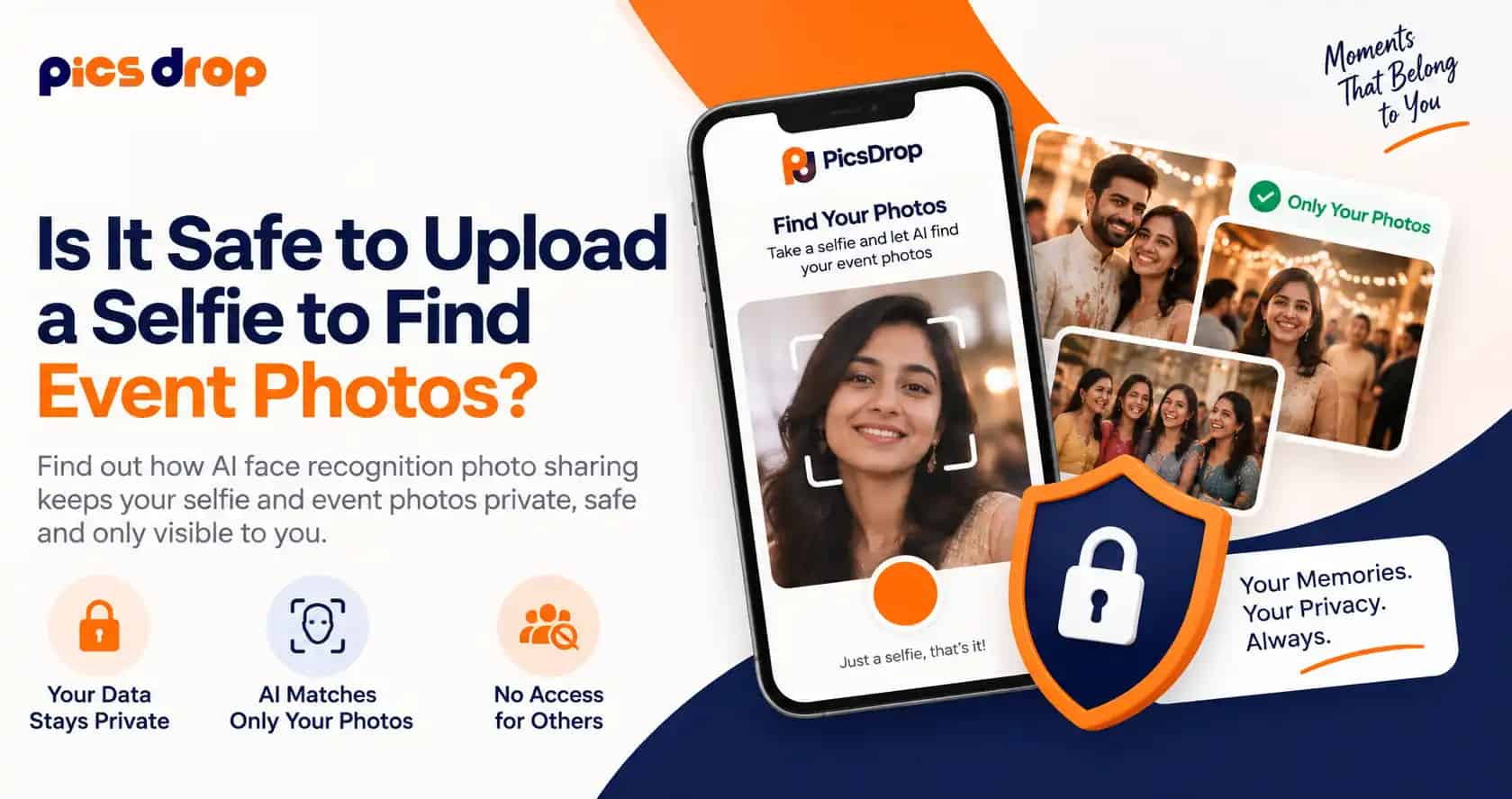
So you attended a wedding last weekend and the photographer sent a gallery link with 2,000 photos in it. Now you have to scroll through all of it just to find the fifteen photos where you actually appear. This is exactly the problem AI face recognition photo sharing is trying to solve, and it does this by asking guest to upload a selfie once so system can match the face and show only their photos.
But the question most guests has in mind is simple, is it actually safe to upload my face somewhere online?
How the matching actually works behind the scenes
Now the thing is, the process is more mechanical than it sounds, and it happens in a fixed order every single time.
Photographer uploads the gallery
Every photo from the event goes into one private album. The AI scans each image and runs face recognition technology to detect every face in it.
Each face becomes a vector, not a photo
A mathematical pattern of eye distance, jawline and facial points is created. This is not a picture, it cannot be viewed by anyone.
Guest takes a quick selfie
The selfie is converted into its own vector on the spot, right inside the browser or app screen.
System compares and returns matches
Only photos crossing the similarity threshold get shown, usually in under a second, and the original selfie is dropped soon after.
"Your face becomes a set of numbers for a few seconds, gets compared, and then the actual photo of you is gone from the server."
Selfie search or QR code, which one should you use
There are basically two ways guests find their pictures on modern platforms.
Selfie photo search
Guest just clicks a selfie and the AI does the rest in a few seconds. Fastest option when the gallery has thousands of photos.
QR code photo sharing
Host puts a QR code at the venue, guests scan and reach the gallery directly. No login or selfie needed at all.
Both methods works fine, but selfie based search saves a lot of time when the gallery has thousands of photos from a big function.
Why studios are moving to a proper event photo sharing app
Traditional method was WhatsApp groups or a public Google Drive folder, where everyone sees everyone's photos and there is basically no privacy. That's why more studios now use a proper event photo sharing app instead of dumping files randomly.
A good wedding photo sharing app solves this by giving each guest their own private link and their own set of photos, based on face match. For example, a host can also generate a wedding QR code for photos and print it on the invitation card itself, so guests scan and land straight on the gallery without any manual sharing.
This kind of event photo sharing app setup also helps photographers, because they don't have to individually WhatsApp hundred of guests one by one.
What actually happens to your face data
This is the part most guests actually care about. On platforms built with privacy in mind, four things are usually true:
No permanent storage. Your selfie is converted to a vector and the image itself is not kept once matching finishes.
Your private photo gallery stays yours. Nobody else at the event can open your specific set of photos by guessing a link.
This is very different from old style guest photo sharing through open folders where literally anyone with the link could scroll through everyone's images.
Facial recognition used this way is opt-in, not surveillance. You choose to upload your own selfie, and it only compares your face against one event's closed gallery, never a public database.
These principles are broadly in line with data protection standards like the GDPR, which govern how biometric data should be handled.
Tips for choosing a platform
Before uploading your selfie anywhere, it's worth checking a few basic things.
A platform built around secure photo sharing should be transparent about all this on their website itself, not something you have to dig for in fine print.
Ready to try face recognition at your own event?
Set up your gallery on PicsDrop in a few minutes. Guests just scan the QR code, click a selfie, and their photos are ready.
Create your free event gallery →Frequently asked questions
Does uploading a selfie mean the app is storing my face forever?
Not usually. Most reliable platforms convert your selfie into an anonymous vector for matching and delete the original photo right after. Always check the platform's privacy page before uploading if you're not sure.
Can strangers see my photos if I use face matching?
No, that's actually the whole point. With AI face recognition photo sharing, only photos matching your face show up on your screen, so other guests at the same event cannot open your specific gallery.
Is QR code sharing safer than uploading a selfie?
QR code sharing skips the face upload completely, so if you're not comfortable with facial scanning, scanning the QR code and browsing manually is a fine alternative, just less automated.
What if the AI matches the wrong person to my photos?
Modern systems run at very high accuracy, but mismatches can happen occasionally in group photos or poor lighting. Most platforms let you flag or remove wrong matches from your gallery.
Do I need to download an app to use face search at weddings?
Mostly no, majority of these platforms run on browser itself, guest just opens the link on their phone, clicks selfie and gets results in seconds.