Back to All Tutorials
Dashboard Overview & Analytics
PicsDrop step-by-step video watch page. Learn how to configure your account.
Video Walkthrough Transcript & Guide
The main PicsDrop dashboard serves as your studio's operational control center, giving you real-time visibility into client engagement, storage usage, and studio notifications.
The dashboard interface includes the following elements:
- Real-Time StatsCards: Track key metrics at a glance, including Total Events created, Total Photos uploaded, Total client Bookings, incoming Lead Inquiries, and Total Referral Wallet Earnings credited from your client sharing program.
- Upcoming Bookings Widget: Lists upcoming photoshoots, displaying the Client Name, location with a MapPin tag, and formatted date. You can click the view icon to navigate directly to the calendar scheduler.
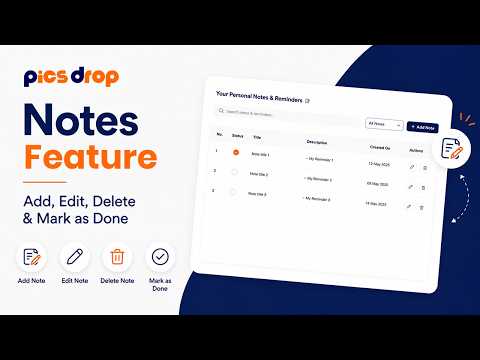
- Interactive Quick Notes Notepad: Jot down instant tasks or administrative reminders right on the dashboard. You can create a note, toggle its status between read and unread, and view active lists without leaving the main page.
- Plan Usage & Storage Manager: Monitor your allocated cloud storage in gigabytes (GB/MB) and track image count usage against plan limits. It dynamically displays options to upgrade your tier or unlock premium portfolio/invoicing features.