Back to All Tutorials
Smart Booking & Calendar Management
PicsDrop step-by-step video watch page. Learn how to configure your account.
Video Walkthrough Transcript & Guide
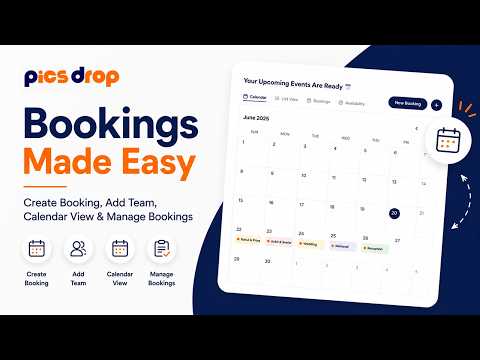
Keep your photoshoot schedule organized and prevent double-bookings using the integrated booking calendar and client CRM.
Key booking features include:
- Interactive Booking Calendar: View your studio schedule in monthly, weekly, or daily grid layouts, highlighting days with scheduled photoshoots.
- Comprehensive Booking Form: When creating a booking, you can fill in the Client Name, Email, and Phone Number (with a country code selector dropdown supporting +91 prefix and formatting validation).
- Financial Tracking & Statuses: Enter the Total Shoot Amount and Advance Deposit in Indian Rupees (₹). Set the booking status to PENDING, CONFIRMED, COMPLETED, or CANCELLED, with color-coded badges indicating each stage.
- Team & Venue Assignment: Enter the shoot location (e.g. Grand Hyatt, Mumbai) and assign creative team members as interactive tags. All bookings route through plan-permission checks (FeatureUpgradeGate) to manage team and scheduling limits.