
Back to All Tutorials
How to Connect Your Camera to PicsDrop Using FTP | Complete Setup Guide
PicsDrop step-by-step video watch page. Learn how to configure your account.
Video Walkthrough Transcript & Guide
Learn how to connect your camera to PicsDrop using FTP and automatically transfer event photos for instant delivery. In this step-by-step tutorial, we’ll show you how to:
- Set up an FTP connection on your camera
- Connect your camera to a Wi-Fi network or hotspot
- Configure the FTP server settings
- Connect the camera with PicsDrop
- Transfer photos directly to your PicsDrop event
With PicsDrop, photographers can simplify photo delivery and make event photos available to clients faster.
Other Video Tutorials

How PicsDrop Works

Dashboard Overview & Analytics

Create Event, Upload Photos & Share QR Code

Smart Booking & Calendar Management

Notes & Reminders Management

Website Builder for Photographers

AI Face Recognition Photo Sharing App for Photographers
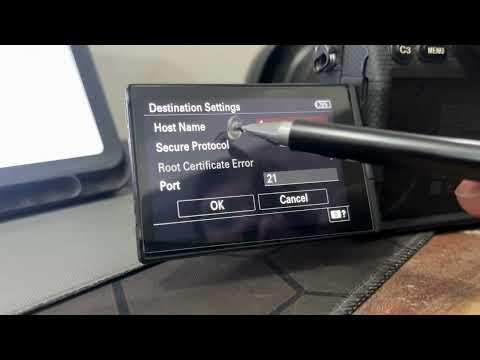
How to Connect Your Camera to PicsDrop Using FTP | Complete Setup Guide

How to Customize Your Event Banner on PicsDrop | Step-by-Step Tutorial

How to Enable One Event QR Code on PicsDrop | Step-by-Step Tutorial

How to Design a Custom QR Standee on PicsDrop | Step-by-Step Tutorial
How to Use Photo Selection Feature in PicsDrop | Step-by-Step Tutorial

How to Sell Photos Online with PicsDrop | Photo Selling Feature Tutorial

How to Manage Store & Orders on PicsDrop | Step-by-Step Tutorial