
Back to All Tutorials
How to Use Photo Selection Feature in PicsDrop | Step-by-Step Tutorial
PicsDrop step-by-step video watch page. Learn how to configure your account.
Video Walkthrough Transcript & Guide
Learn how the Photo Selection Feature in PicsDrop makes it easy for clients to select their favorite photos and send editing requests directly to the photographer. In this tutorial, you'll learn how to:
- Let clients select photos from a gallery
- Receive photo editing requests
- View selected photos and client requests
- Manage and edit selected photos directly from PicsDrop
Perfect for photographers who want to simplify client photo selection and editing workflows.
Other Video Tutorials

How PicsDrop Works

Dashboard Overview & Analytics

Create Event, Upload Photos & Share QR Code

Smart Booking & Calendar Management

Notes & Reminders Management

Website Builder for Photographers

AI Face Recognition Photo Sharing App for Photographers

How to Connect Your Camera to PicsDrop Using FTP | Complete Setup Guide

How to Customize Your Event Banner on PicsDrop | Step-by-Step Tutorial

How to Enable One Event QR Code on PicsDrop | Step-by-Step Tutorial

How to Design a Custom QR Standee on PicsDrop | Step-by-Step Tutorial
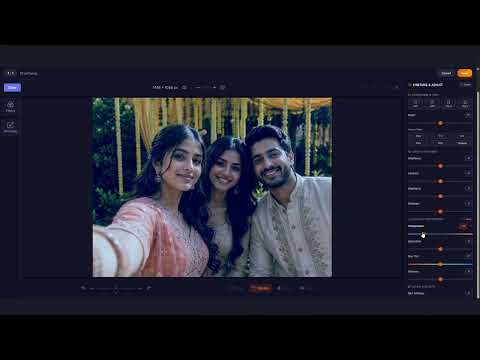
How to Use Photo Selection Feature in PicsDrop | Step-by-Step Tutorial

How to Sell Photos Online with PicsDrop | Photo Selling Feature Tutorial

How to Manage Store & Orders on PicsDrop | Step-by-Step Tutorial