
Back to All Tutorials
How to Create an Event - TUTORIAL | PICSDROP
PicsDrop step-by-step video watch page. Learn how to configure your account.
Video Walkthrough Transcript & Guide
Learn how to an Event with PICSDROP
Other Video Tutorials

How PicsDrop Works

Dashboard Overview & Analytics

Create Event, Upload Photos & Share QR Code

Smart Booking & Calendar Management

Notes & Reminders Management

Website Builder for Photographers

AI Face Recognition Photo Sharing App for Photographers
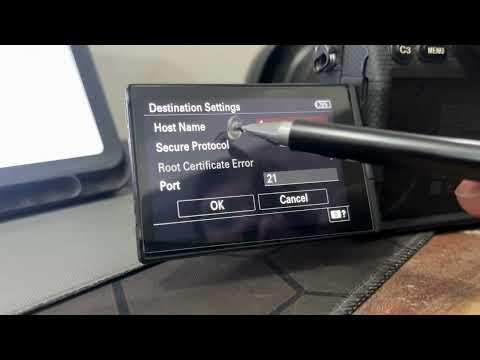
How to Connect Your Camera to PicsDrop Using FTP | Complete Setup Guide
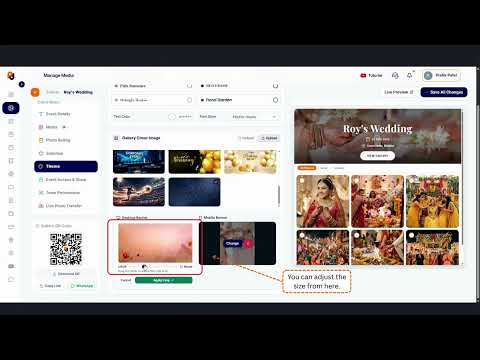
How to Customize Your Event Banner on PicsDrop | Step-by-Step Tutorial
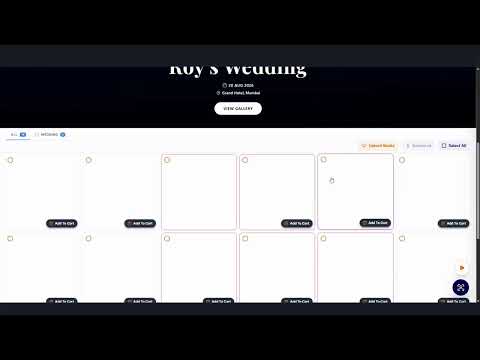
How to Enable One Event QR Code on PicsDrop | Step-by-Step Tutorial
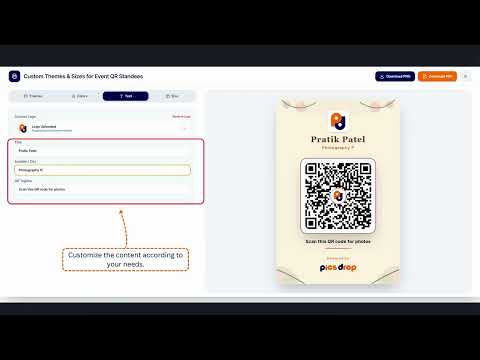
How to Design a Custom QR Standee on PicsDrop | Step-by-Step Tutorial
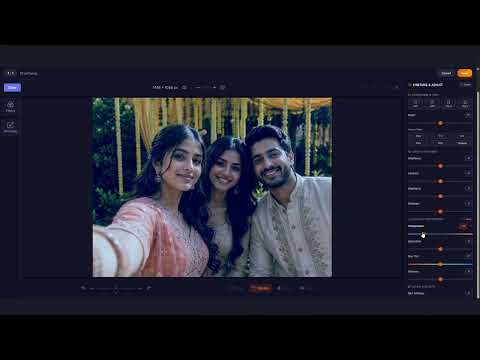
How to Use Photo Selection Feature in PicsDrop | Step-by-Step Tutorial

How to Sell Photos Online with PicsDrop | Photo Selling Feature Tutorial
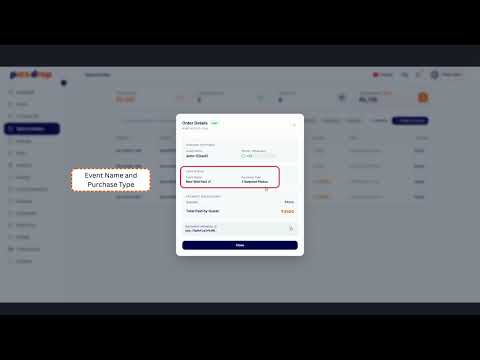
How to Manage Store & Orders on PicsDrop | Step-by-Step Tutorial

How to Create an Event - TUTORIAL | PICSDROP

Event Details - TUTORIAL | PICSDROP

Upload Media - TUTORIAL | PICSDROP

Media Selection Feature - TUTORIAL | PICSDROP

Gallery Theme - TUTORIAL | PICSDROP

Event Access & Share - TUTORIAL | PICSDROP

Team Permission Feature - TUTORIAL | PICSDROP

Photo Selling Feature - TUTORIAL | PICSDROP
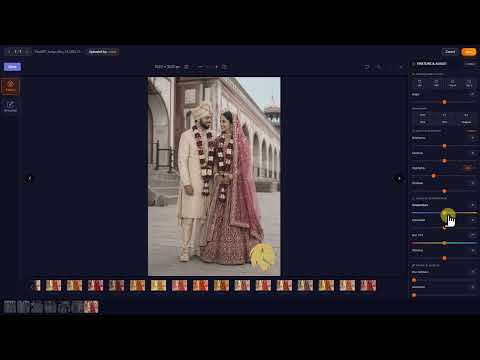
Photo Edit Feature - TUTORIAL | PICSDROP
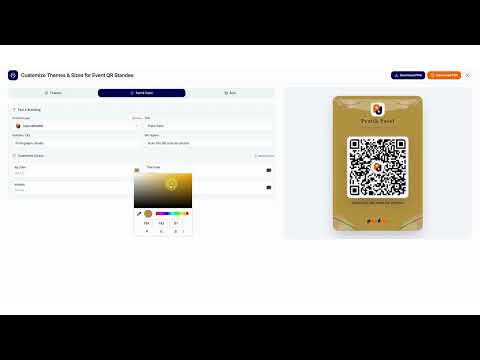
Universal QR Feature - TUTORIAL | PICSDROP

Sold Media Feature - TUTORIAL | PICSDROP
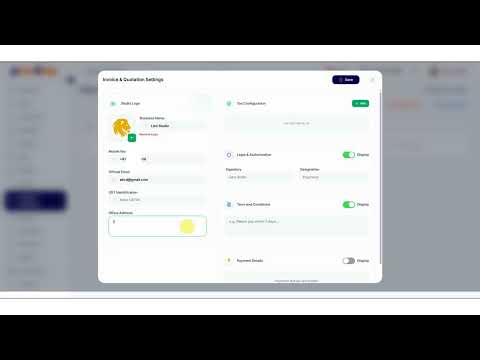
Invoice Business Details - TUTORIAL | PICSDROP
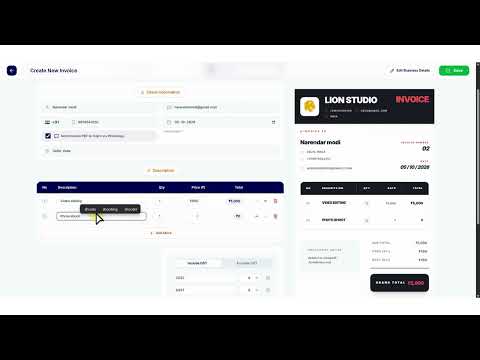
Invoice - TUTORIAL | PICSDROP
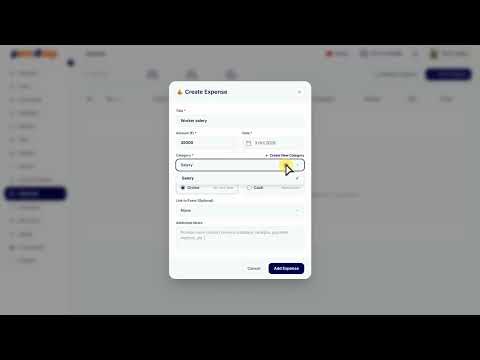
Expense Feature - TUTORIAL | PICSDROP

Refer & Earn - TUTORIAL | PICSDROP